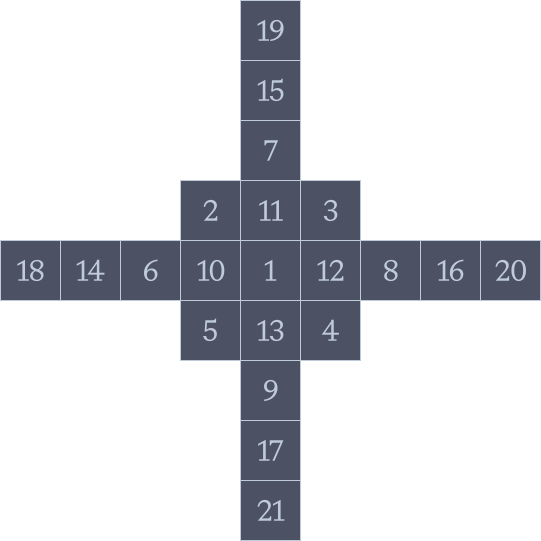
Pond, a Linux operating system. Early Preview.

Design
Pond is an opportunity for us to play with familiar conventions and experiment with new ideas that make using a computer more natural and satisfying.
Overview
Context
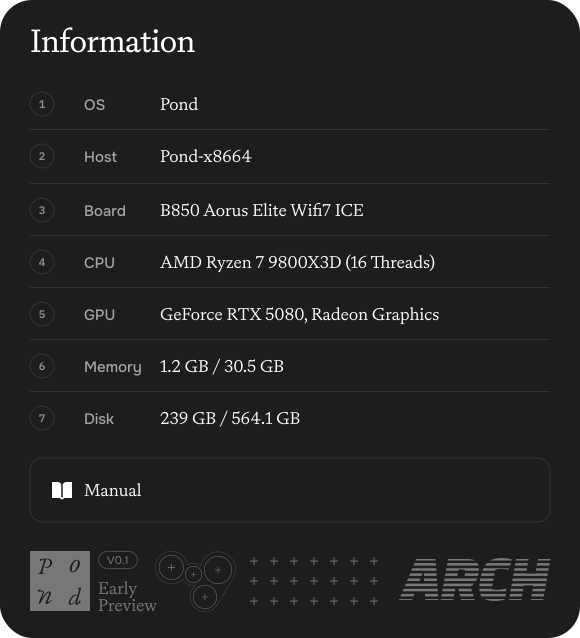
The sidebar brings useful information into one consistent place
Components
We spend a great deal of time considering every part of Pond.
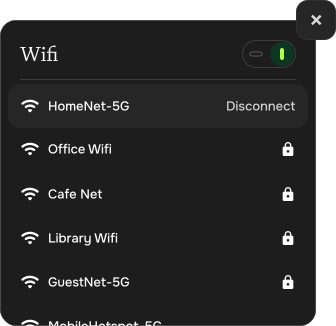
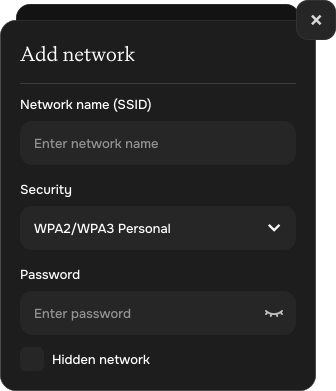
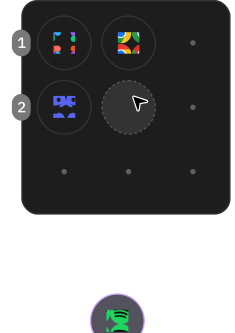
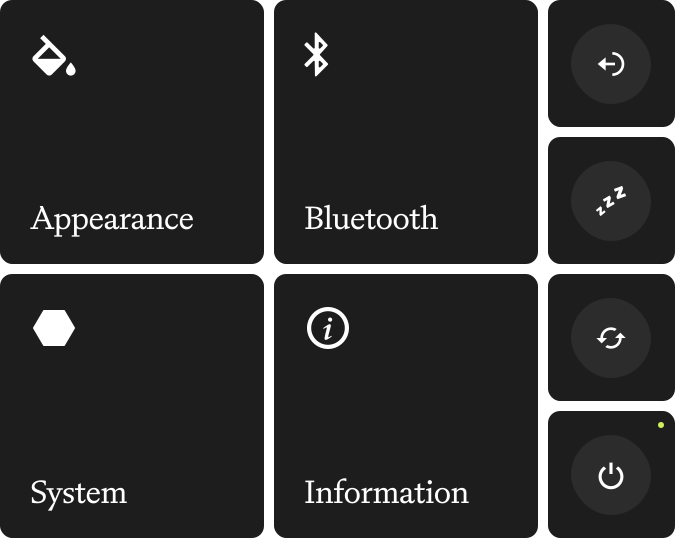
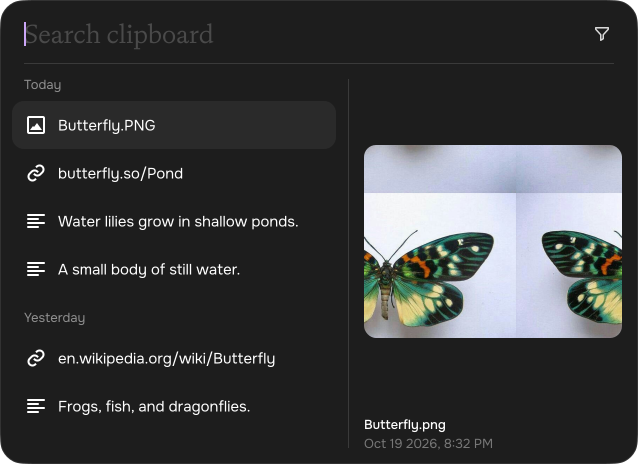
Every component in Pond has been considered as part of a larger whole. Its proportions, placement, and behavior all contribute to making the experience feel natural, consistent, and enjoyable.

Animation
Movement gives an interface its own sense of character and we look for opportunities to express that character throughout Pond.
Loader, Installer (Windows)
Individually drawn frames for installation initiation within Windows installer.
- Frame 1
- Frame 2
- Frame 3
- Frame 4
- Frame 5
- Frame 6
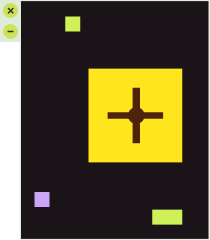
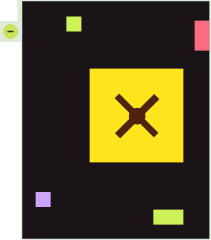

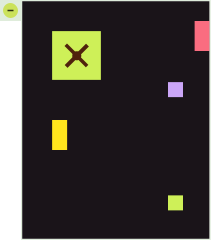


Bootloader
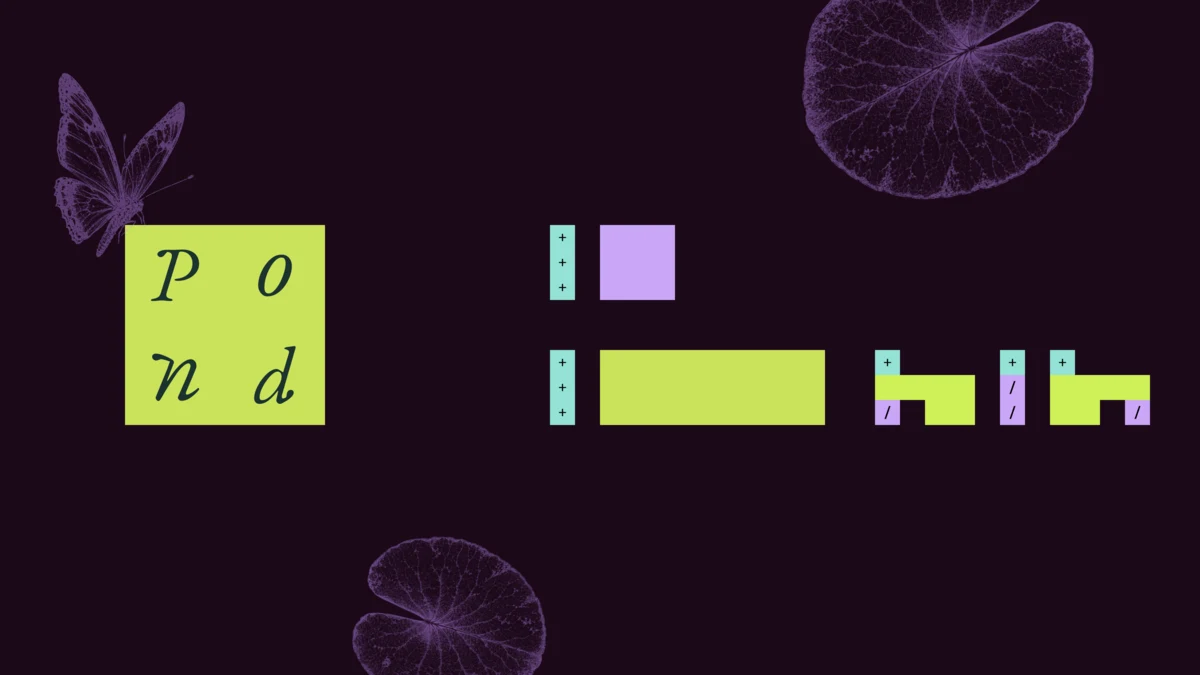
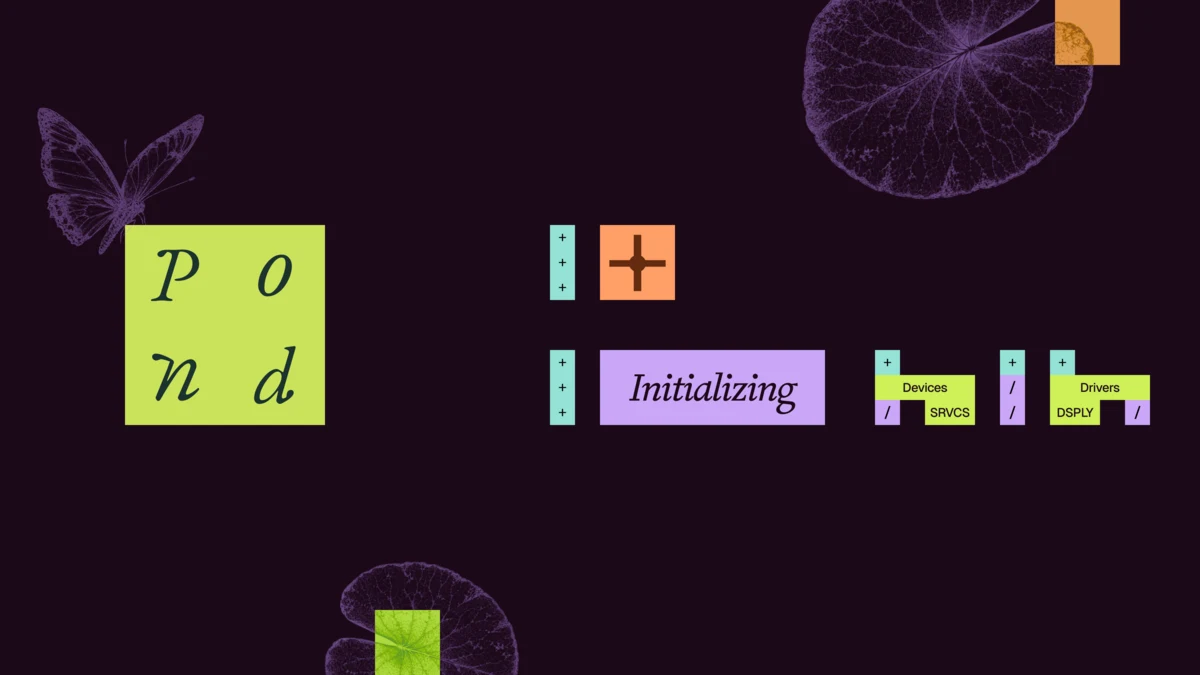
Individually drawn frames for the Pond bootloader.
- Frame 1

- Frame 2

- Frame 3
- Frame 4
Lock screen sequence
Order of lock screen form field as it expands.